Wi-Fi QR codes for homes, rentals and events
Guests scan. They're online.
Turn your network name and password into a QR code in under a minute. Print it, frame it, and see how often it gets scanned. No more spelling out passwords.
Free direct codes · Scan counts with tracked codes · No app for guests
Scans with the built-in camera on
- iPhone
- iPad
- Android phones
- Google Lens
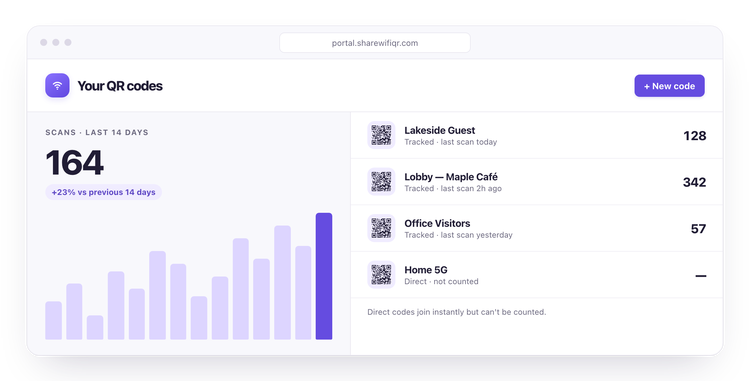
The idea
What is a Wi-Fi QR code?
A Wi-Fi QR code is a small square your guests point their phone camera at to get online. No reading a password off the router, no typing sixteen characters with someone looking over your shoulder.
Share Wifi QR turns your network name, password and security type into a code you can print, frame and put where people will see it.
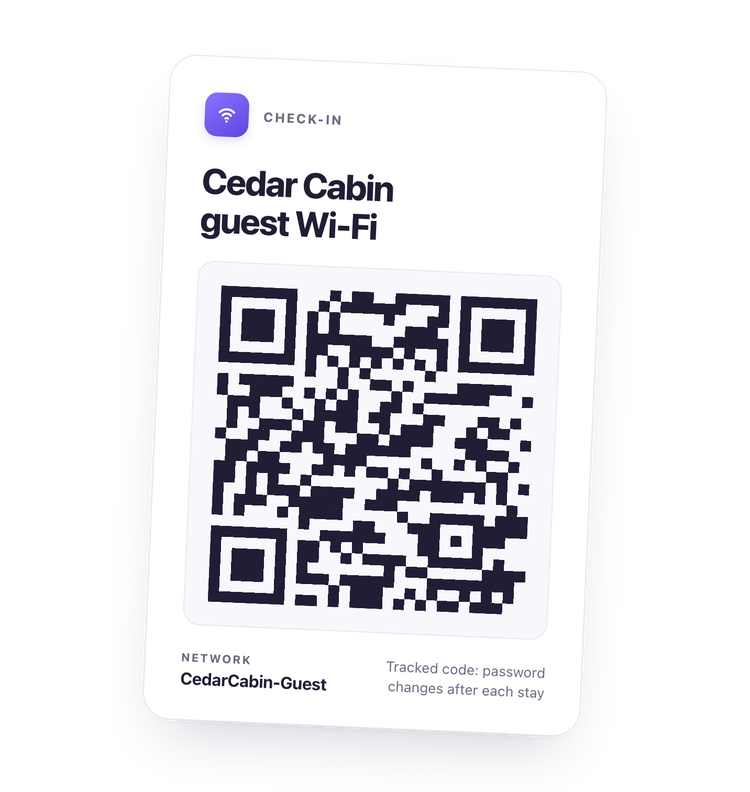
Choose a direct code to join in one tap, or a tracked code to count every scan and change the password later without reprinting.
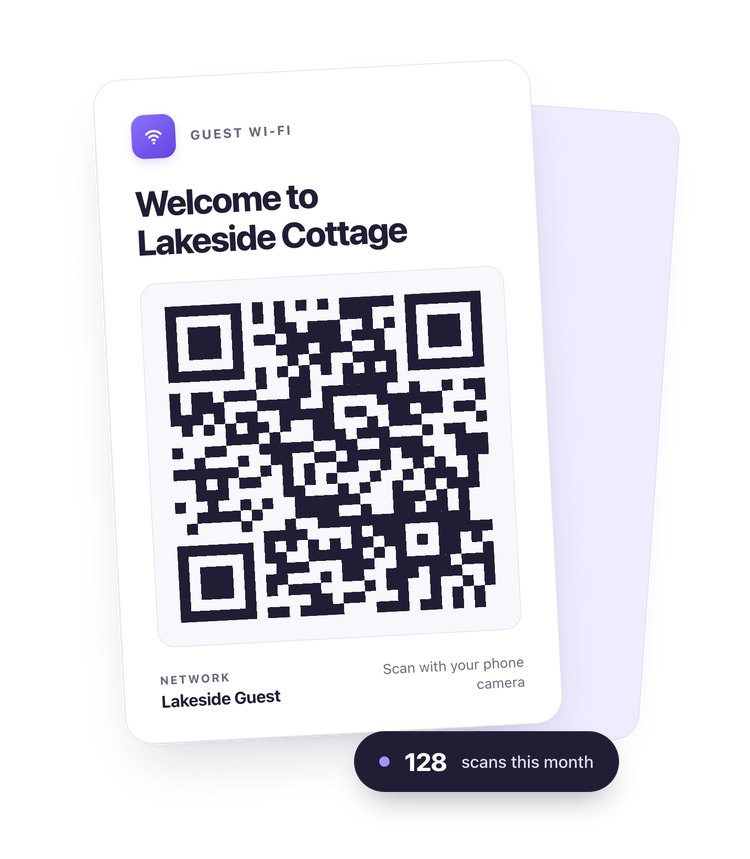
Two kinds of code
Direct or tracked: pick what matters
Phones can only join straight from the camera when the details are inside the code. Counting scans needs a link instead. So we offer both.
Direct code
Joins in one tap
Your network name and password live inside the QR. The phone offers to join as soon as the camera sees it.
- One-tap join on iPhone and Android
- Works without the internet, forever
- Nothing is logged when it's scanned
- No scan counts
- Reprint it if your password changes
Tracked code
Counts every scan
The QR opens a short Share Wifi QR link that shows your network and password with a one-tap copy button.
- See how many times it's been scanned
- Change the password without reprinting
- Switch it off whenever you like
- Guests copy the password instead of auto-joining
What you get
Everything a guest Wi-Fi card should do
Make a code once, put it where people will see it, and stop answering “what's the Wi-Fi?”
Every kind of network
WPA, WPA2 and WPA3, older WEP routers, open networks, and hidden networks that don't broadcast their name.
See how often it's scanned
Tracked codes count every scan, so you know whether the card on the wall is being used.
Change the password, keep the code
Update a tracked code's network details in the portal. The card you already printed keeps working.
Ready to print
Download a sharp image or a print-ready card to frame, laminate, or stand on a table.
Private by default
A direct code holds your network inside the QR itself. Nothing is sent to us when a guest scans it.
All your codes in one place
Home, cottage, office: manage every code from one portal account.
Who it's for
Made for the places people gather
Anywhere guests ask for the Wi-Fi, a card on the wall answers before they do. Print one code for the kitchen, another for the guest room, and a tracked one for the front desk.
Every code lives in your portal, so you always know which network it shares and how often it is used.
Homes
A card on the fridge for family, friends and the babysitter.
Vacation rentals
Change the password between stays without reprinting the card by the door.
Cafés, salons and offices
Table tents and reception signs that show which spots get scanned the most.
Weddings and events
Get a room full of guests online without a queue at the welcome table.
How it works
Three steps, about a minute
Everything happens in the portal. Your guests only ever see the code.
Enter your network
Type your Wi-Fi name and password and pick the security type. Not sure which? It's usually WPA2, and it's often printed on the router.
Choose your code
A direct code joins in one tap. A tracked code counts scans and lets you change the password later.
Print it and share
Download it, print it, and put it where guests will see it. Watch the scans add up in your portal.
From the blog
Guides for hosts
Step-by-step advice for sharing Wi-Fi at home, at events and in rentals.
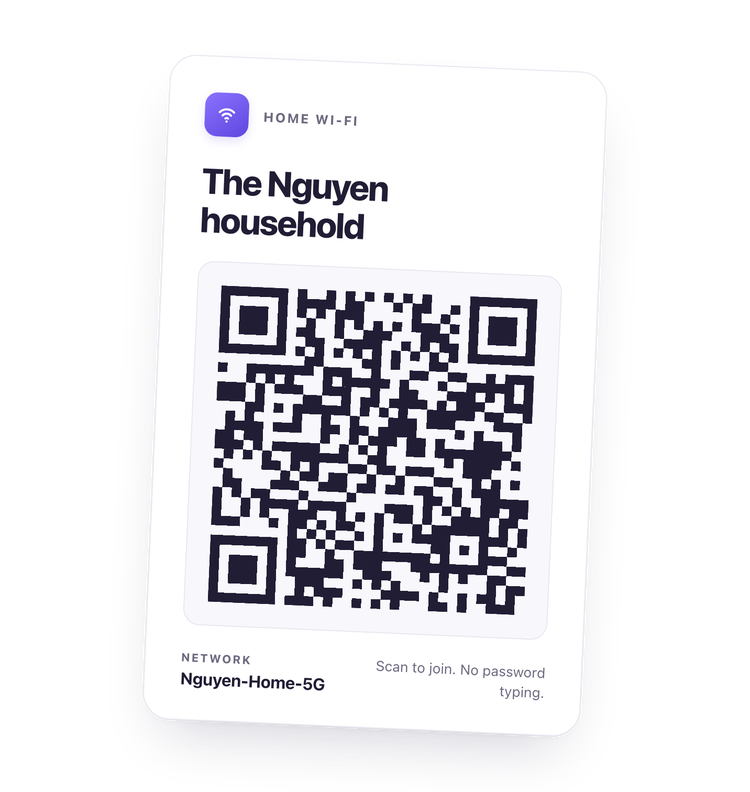
Home
How to make a Wi-Fi QR code for your home
Stop reading the password off the router. Set up a card in five minutes.
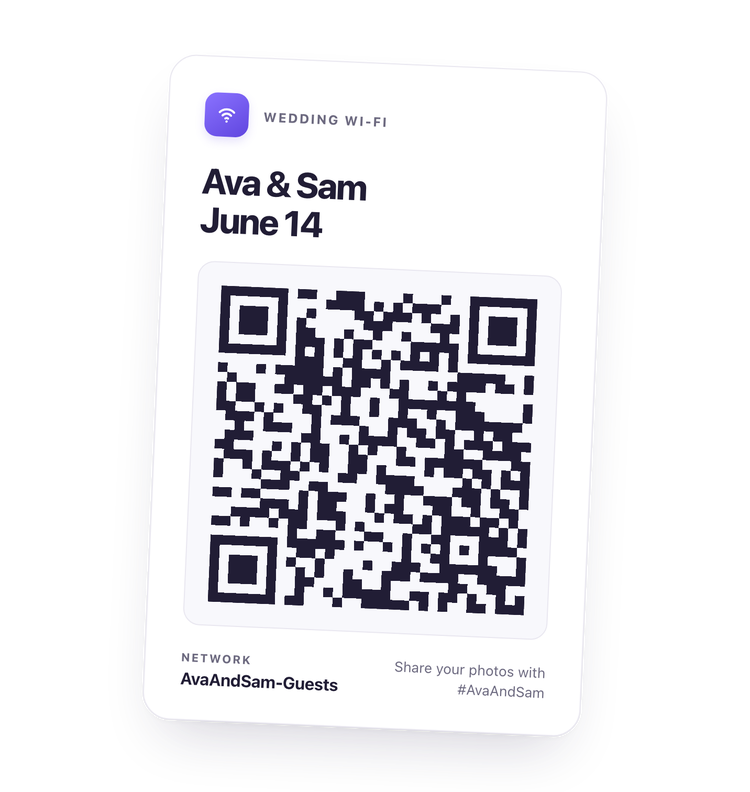
Events
Wi-Fi QR codes for weddings and private events
Get a hundred guests online without a queue at the welcome table.
Rentals
Sharing Wi-Fi with rental guests
Change the password between stays without reprinting a thing.
Common questions