Rentals · 5 min read
Sharing Wi-Fi with rental guests
Wi-Fi questions are some of the most common messages hosts get. A clear card at check-in answers them before they are asked, and with a tracked code you can change the password between stays without reprinting.
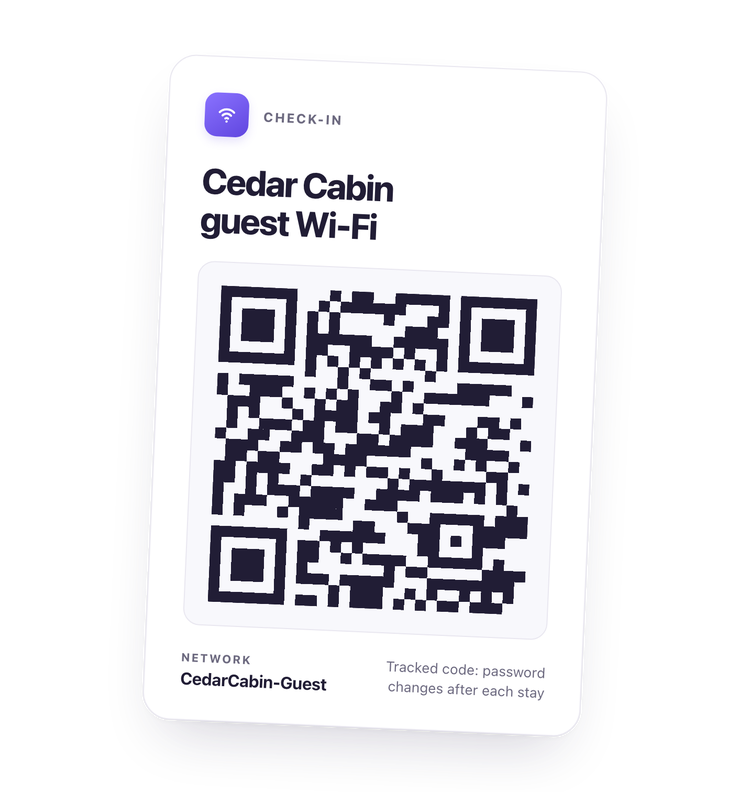
Why change the password between stays
Past guests keep your password saved on their devices. Changing it regularly keeps the network for the people staying now, and limits who can reach any smart devices on it.
Use a tracked code
A direct code has the password inside it, so every change means a new print. A tracked code points to a short link instead. Update the network in the portal, and the framed card by the door shows the new password the next time someone scans it. Guests copy the password with one tap and join from their Wi-Fi settings. The scan count also tells you whether guests are finding the card.
Set it up
- Create a tracked code in the portal with your current network name and password.
- Download the print-ready card and frame it by the entrance or in your welcome book.
- After checkout, change the guest network's password on your router, then update the code in the portal.
- Scan the card once to check it shows the new password.
Mention it in your check-in message
Add one line to the message guests get before arrival: “Scan the card by the door to get the Wi-Fi.” Guests who arrive late at night will thank you.
Keep it readable
- Place it somewhere well lit
- Frame or laminate it if it lives near the kitchen
- Print the network name next to the code as well