Events · 5 min read
Wi-Fi QR codes for weddings and private events
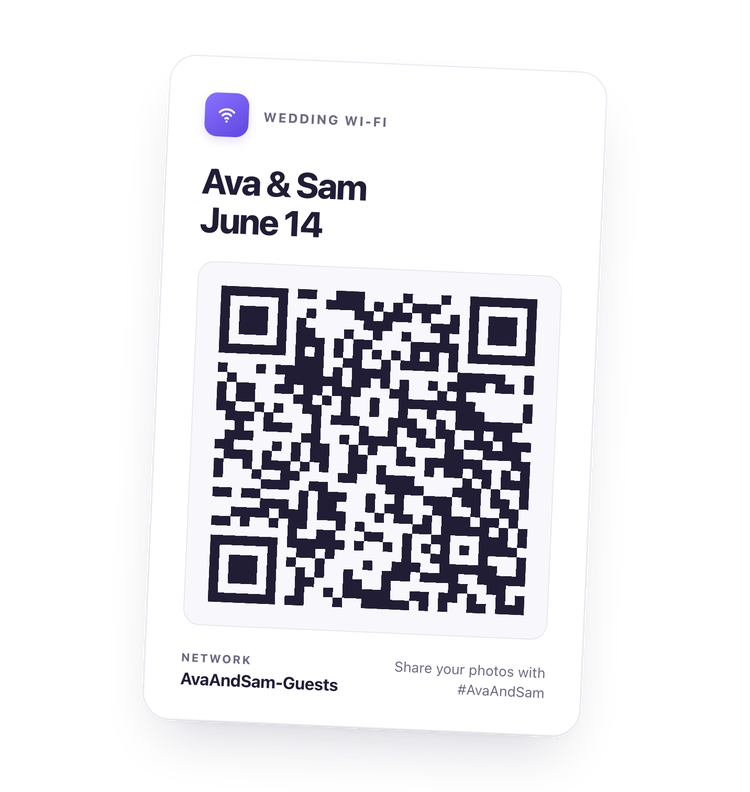
Guests want to share photos, check the schedule, and video-call the relatives who couldn't make it. A QR code on the welcome sign gets everyone online without a queue at the bar asking for the password.
Ask the venue first
Find out whether the venue has a guest network you can use, what it's called, and whether they will share the password ahead of time. Ask how many devices it can handle: a hundred phones uploading photos at once can slow a small network.
Direct or tracked?
For a one-day event, a direct code is the simplest choice, because guests join in one tap. Choose a tracked code if you want to know how many people used it, or if the venue might change the password before the day. You can update it without reprinting your signs.
Put it where guests will look
- The welcome sign or seating chart
- Table numbers or place cards
- The bar and the photo booth
- The printed program or menu
Print tips
- Print the code at least 3 cm (just over an inch) wide on table cards, and larger on signs that people read from a distance
- Use a dark code on a light background and leave a blank margin around it
- Write the network name underneath for anyone who would rather type it
- Test a printed proof with both an iPhone and an Android phone
After the event
If you used a tracked code, switch it off in the portal when the event is over, and check how many times it was scanned.